I built this workflow around one uncomfortable truth. A beautiful AI video is worthless if the product looks slightly wrong. For e-commerce, the viewer is not judging your art direction first. They are asking whether this is the thing they will receive. So my process begins with the product photo, not the prompt.
I picked one product with a readable label, a distinct shape, and a color that tends to drift. Then I ran it through the same steps I now use for every SKU. The result was not just a video. It was a repeatable system for making product demos, social ads, and marketplace clips without rebuilding everything from scratch.
The input matters more than the model
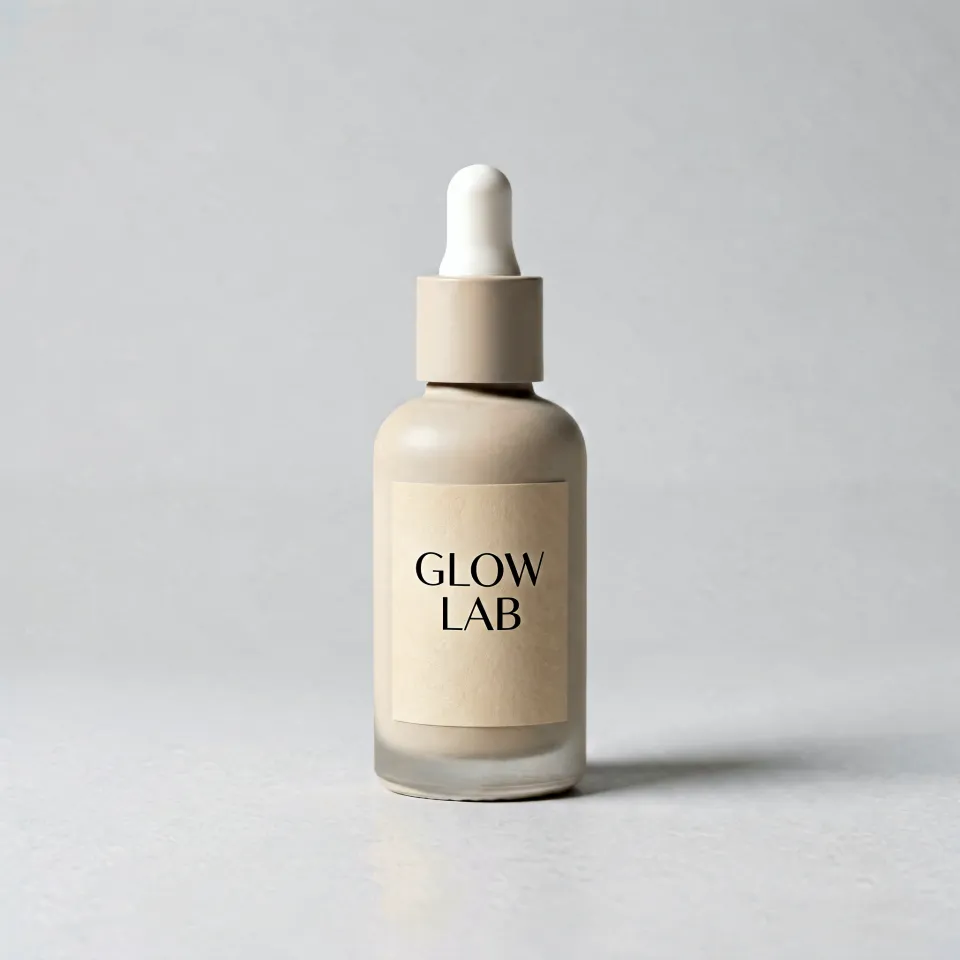
Source: the actual product photo submitted to the workflow. A clean label and stable shape made it suitable for image-to-video.
I started with a straight-on photo and one three-quarter angle. The background was clean, the label was sharp, and the lighting showed texture. Before generating, I asked three questions. Can the buyer see the shape? Can they read the label? Is the color accurate? If any answer is no, AI will exaggerate the problem.
I used the photo as a reference in image-to-video. Text-to-video was useful for scenes, but it gave the model too much freedom when the product had to stay exact. With image-to-video, I could lock the subject and still change environment, camera movement, and lighting.
My hook system
I wrote three product hooks before opening the model. The first showed the problem. The second showed the product in use. The third showed the result. This kept me from producing three variations of the same pretty shot.
For a problem hook, the opening frame shows the frustration, then the product enters. For a usage hook, the hands or context appear immediately. For a result hook, the finished state is visible in the first second, then the video explains how it got there. On short-form platforms, the first second usually decides whether the rest matters.
Here is the prompt shape I kept returning to.
Exact product from reference image + one visible use action + stable camera + real context + clean commercial lighting + product remains unchangedIf the product had a left-side handle, I wrote left-side handle. If the label said a specific phrase, I kept that phrase in the prompt. If the material was matte, I did not say glossy. Specificity was the cheapest quality control.
Choosing models by job
For early drafts, I used Agnes Video V2 because it is free and good enough to test composition. For a polished still frame, Seedream 5.0 Lite or Nano-Banana 2 gave me more control. For motion, Seedance 2.5 was useful when I wanted expressive movement. Kling v3 Omni was better for controlled commercial shots and offered native audio when needed. Veo 3.1 produced the richest cinematic result, but I only used it after the product framing was already stable.
That sequencing saved credits. I did not need a premium model to tell me that a prompt showed the wrong side of the product. I needed it only after the idea was clear.
Platform cuts I made
The 1:1 version worked for marketplace listings. The 9:16 version became the TikTok, Reels, and Shorts ad. The 16:9 version became a website hero and YouTube pre-roll. I did not just crop one video. I regenerated or reframed the important parts because a product that sits well in 16:9 can disappear in 9:16.
For the 9:16 cut, I moved the product closer to the center. For 1:1, I let the background breathe. For 16:9, I added a small amount of environment so the page did not look cramped. This tiny adjustment mattered more than another style keyword.
What failed
My first attempt asked for a multi-shot story. The product changed between shots. So I made one continuous shot instead. My second attempt asked for dramatic camera orbit. The label warped. A slow push-in solved it. My third attempt tried to generate the offer text. It looked unstable, so I placed the offer in the editor.
I also learned to separate product truth from atmosphere. AI could invent a beautiful kitchen, but it could not know our exact packaging. I stopped letting it redesign the product and asked it only to place the existing product in a believable context.
The production checklist I saved
Before generating, I check the source photo, the exact product features, and the first-second hook. During generation, I check whether the product stays unchanged, whether the action is readable, and whether the background helps or distracts. After generation, I cut platform versions, add claims as text overlays, and export in the shortest duration that still proves the point.
The credit math matters. Seedance 2.5 is billed by resolution and duration. Kling v3 Omni is 39 credits per second without audio and 49 with audio. Veo 3.1 starts at 80 credits for four seconds. So I test the concept cheaply, approve a still, then produce one short version. If that version works, I scale it.
What I would do again
Use one product, three hooks, and two aspect ratios. Lock the product. Test the cheapest draft first. Keep claims as editable overlays. Save the winning prompt as a template. Then repeat it for the next SKU.
That is how AI video becomes an e-commerce asset instead of a one-off experiment.
Related reading
Ready to turn product photos into video? Try imgmov's image-to-video workflow →