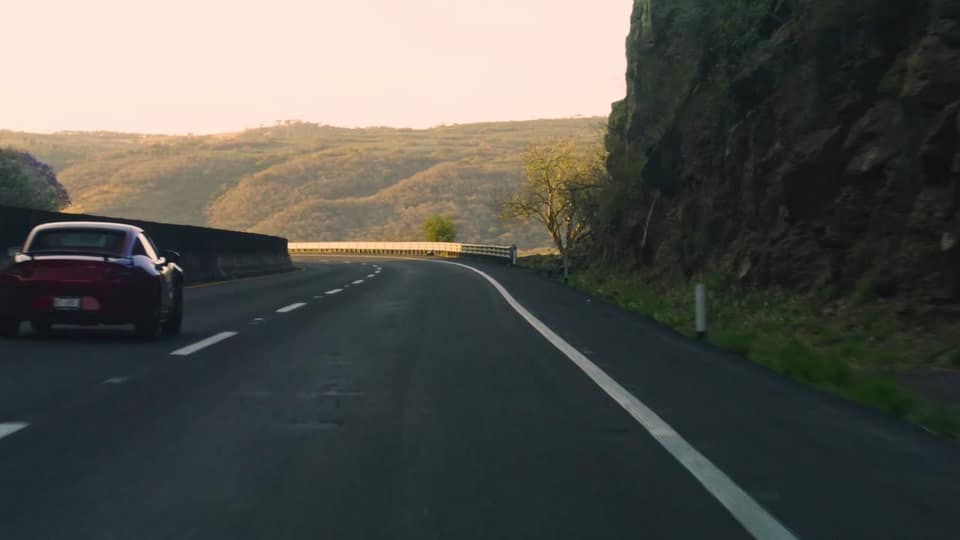
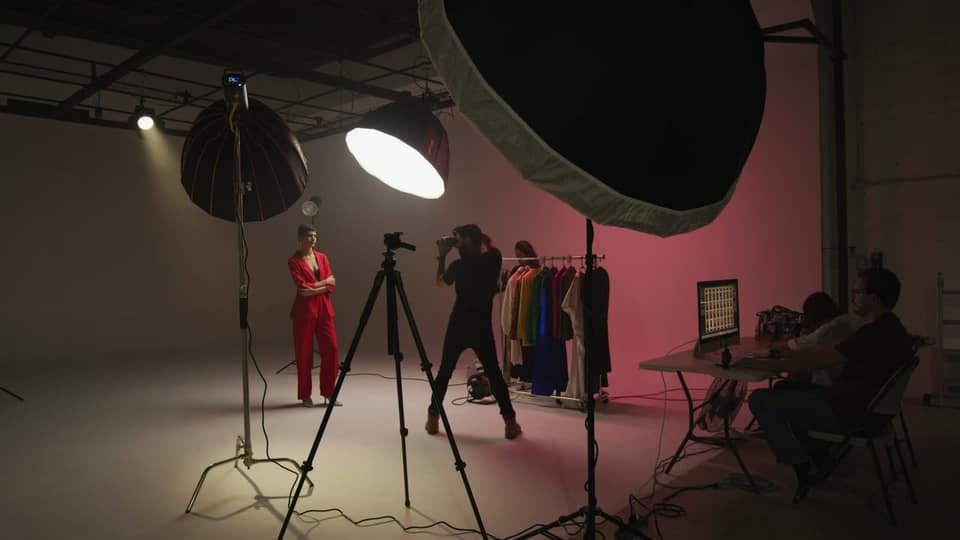
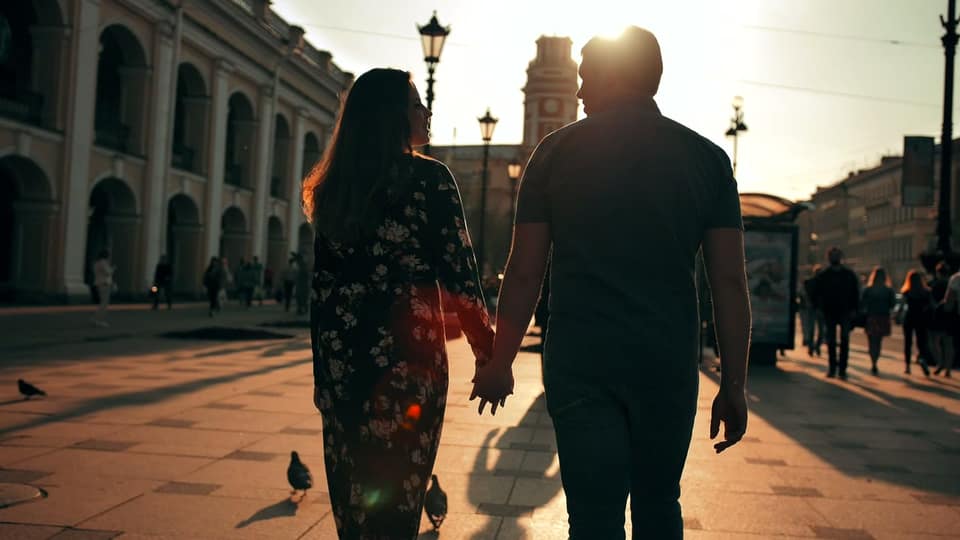
Photo slideshow maker
Put up to 12 photos in order, let each one zoom or slide, and save the whole thing as one video. Free, and made in this tab.
- Free, no watermark
- Photos stay in this tab
- Up to 12 photos
How the slideshow is put together
Each photo gets its own slow zoom or slide, the same camera move as on the Ken Burns effect page, and plays for the seconds you set, from 2 to 8. The next photo fades in over the last 0.8 s of the one before, or cuts in if you pick Hard cut.
That overlap is why the total is shorter than photos times seconds. 8 photos at 4 s each run 26.4 s with the crossfade and 32 s with hard cuts. The page shows the total for your settings under the timing controls.
Which motion for which set
The first photo's move in each pattern, played by the same engine as the tool.

Zoom in and out
A mixed set from one day
Alternating zoom in and zoom out keeps a steady rhythm, and no photo sits still.
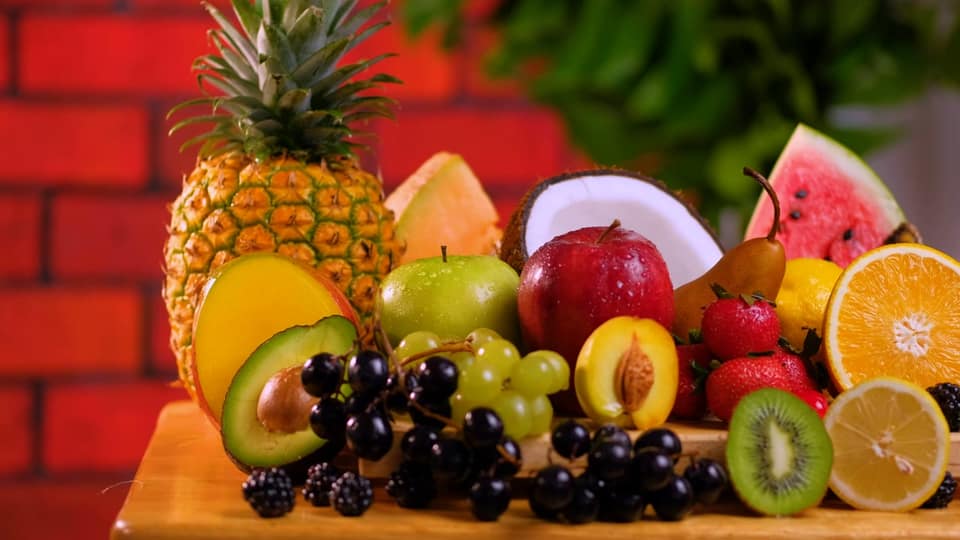
Zoom in
Portraits and a single subject
Each photo tightens on its centre, which suits faces and objects placed in the middle.
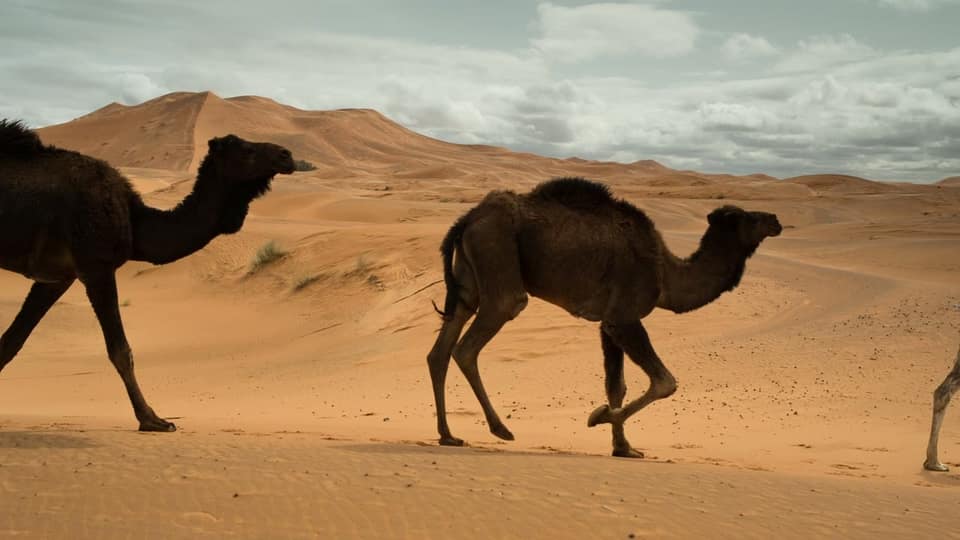
Slide
Landscapes, tables and rows of things
A slide moves across the width of the photo, then the next one slides back the other way.

Mixed
A long set of twelve or so
Five different moves in turn, so a long slideshow does not repeat itself until the sixth photo.
To set one photo's direction, zoom and speed yourself, use the Ken Burns effect page. To save a single photo as a file, try photo to MP4.
How long will my slideshow be?
Totals with the 0.8 s crossfade, and with hard cuts in brackets.
| Photos | 3 s each | 4 s each | 6 s each |
|---|---|---|---|
| 4 | 9.6 s (12 s) | 13.6 s (16 s) | 21.6 s (24 s) |
| 8 | 18.4 s (24 s) | 26.4 s (32 s) | 42.4 s (48 s) |
| 12 | 27.2 s (36 s) | 39.2 s (48 s) | 63.2 s (72 s) |
Slideshow or the AI render
This page: the camera moves over each still and the photos fade into each other. Nothing inside a photo moves.
The AI render, on the waitlist: motion inside a single picture, such as wind in hair, rising steam or a blink.
Make the slideshow when you have a set of photos to show in order. Join the waitlist when you want one photo to move.
Join the waitlistQuestions
Is this photo slideshow maker free?+
Yes. There is no account, no payment step and no watermark. The video is made in this tab and you save it to your device.
Are my photos uploaded?+
No. The photos are read in this tab, drawn onto a canvas and encoded there. The page sends no request that carries them.
Can I add music?+
Not on this page. The file has no audio track. Add a song in the editor on your phone or computer, such as CapCut, iMovie or Clipchamp, which take the MP4 as a clip.
How many photos can I use?+
Up to 12 at once, in the order you choose with the arrows. For more, save two slideshows and join them in a video editor, since both are plain video files.
What file and size do I get?+
An MP4 (H.264, 30 frames per second) when your browser can encode it: 1080 × 1920 for 9:16, 1080 × 1080 for 1:1, 1920 × 1080 for 16:9. A browser that can only record saves a WebM or a live-recorded MP4, and the page says which after saving.
My photos are portrait and landscape. What happens?+
The video takes its shape from your first photo, and you can change it. Each photo is cropped to fill that shape, so a tall photo in the 16:9 shape loses its top and bottom. Put matching photos together, or pick the shape that suits most of them.
Why does a photo look soft?+
Zooming in enlarges pixels, and the video is up to 1920 px on its long side. The page lists how many of your photos are too small for the shape and zoom you picked before you save.
Do iPhone photos work?+
Safari opens HEIC photos. Other browsers may refuse one, and the page then names the file and asks for a JPG, which your photo app can export.
How is this different from the Ken Burns effect page?+
That page sets the direction, zoom, length and speed of one photo. This page applies one motion pattern to a set of photos and joins them with crossfades.