Slow push-in
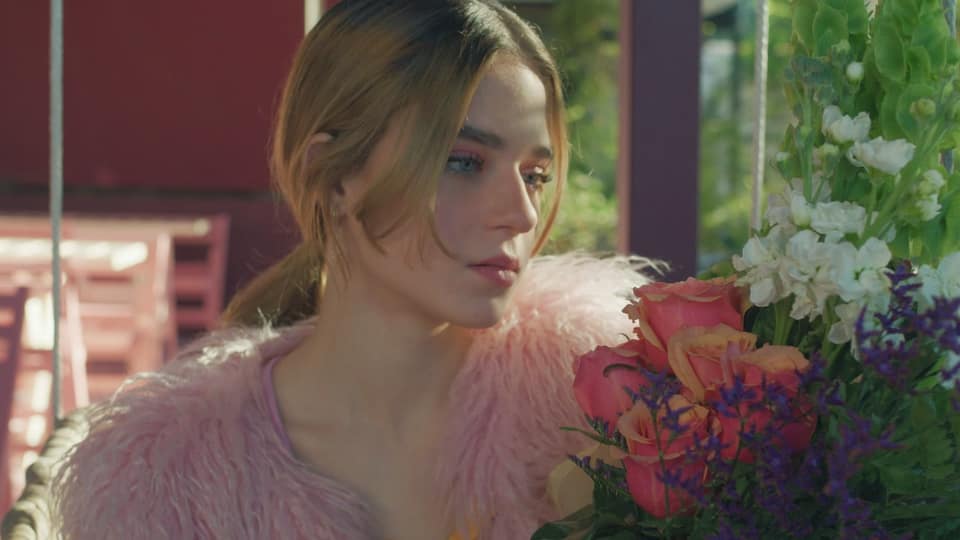
The lens glides in on a centred figure, steady as a dolly track, until the face and shoulders fill the frame.
Use for Portrait close-ups, fashion lookbooks, quiet moments between two people
Or try a stock frame
- Scale
- 100% to 122%
- Travel
- None, centred
- Time
- 9 s, then holds
- Stays in view
- Middle 81%
From prompt to motion
“Slow push-in on her face, pages turning, leaves shifting in the background.”
The prompt asks
A gentle move toward her face while pages turn in her hands and leaves shift in the background.
The preview plays
Plays a centred push-in on your photo in your browser, from 100% to 122% over 9 seconds, then holds on the closest frame.
The render will add
Pages turning, leaves shifting in the background.
Pick the right photo
- A model or portrait centred in the frame, like a boutique doorway shot, where the closer crop lands on the face and shoulders.
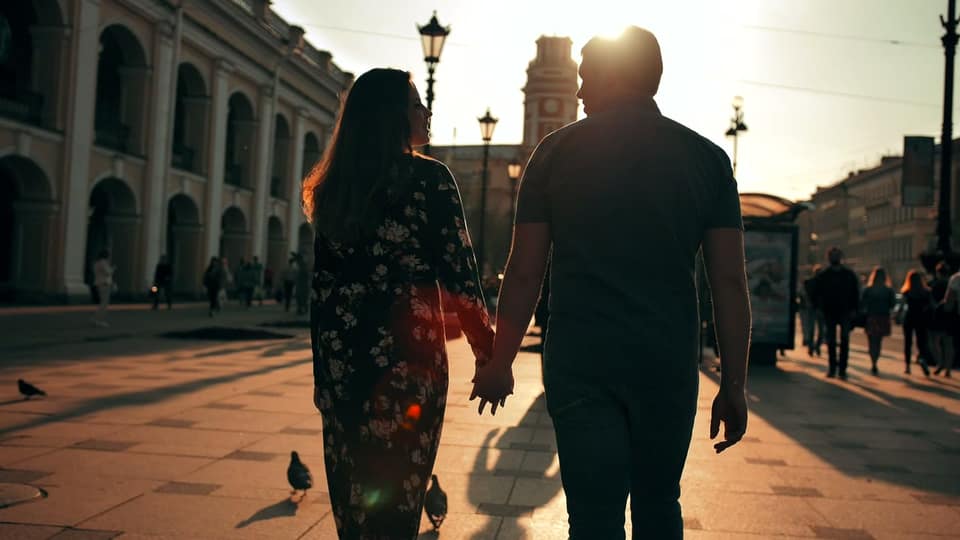
- A cat in grass, a steaming cup, a couple walking into the light: one focal point that sits inside the middle 81%.
- Group shots and layouts with text near the border: the outer 19% leaves the frame as the move closes in.

Another prompt for this move
Written to match the clip beside it. One tap copies it.
Couple on a walk
Slow push-in“Keep their silhouettes natural, gentle push-in, warm evening light, people walking behind.”
Questions
What do I see in the preview, and what will the render add?+
The preview pushes your photo in from 100% to 122% over 9 seconds, right in your browser. The render will add the motion inside the frame, such as pages turning and leaves shifting.
How much of my photo is left at the end of a push-in?+
The move ends at 122%, so the middle 81% stays in view throughout and the outer 19% is trimmed away. Keep your subject centred inside that zone.