Camera movement prompts for photos
Eight camera moves, each with a set path, scale and duration. Pick one, watch it play over your own photo in the browser, then copy the prompt that will ask the AI render for hair, leaves, steam and light.
All eight moves
One page per move: the numbers, the prompt, the photos it suits.
- Slow push-inThe frame tightens toward the subject at an even pace, then holds.100% to 122%9 sMiddle 81%
- Side slideThe camera glides along the scene, uncovering it one strip at a time.Held at 118%9 sMiddle 74%
- Parallax driftA gentle diagonal float that lets a still picture feel deep.112% to 120%10 sMiddle 78%
- Wind and hairA faint tilt and a breath of zoom, like a breeze passing the lens.110% to 114%6 sMiddle 84%
- Reveal zoom-outOpens tight on a detail, then pulls back until the whole photo appears.128% to 100%9 sMiddle 78%
- HandheldA small living tremor, as if someone holds the camera at eye level.106% to 107%2.4 s loopMiddle 92%
- Macro slideA close traverse across texture, gloss and steam.120% to 126%8 sMiddle 66%
- Golden hazeThe frame climbs slowly through warm light, dusk lifting off the horizon.Held at 114%11 sMiddle 80%
Try a move
Pick a photo, then flip through the eight moves.
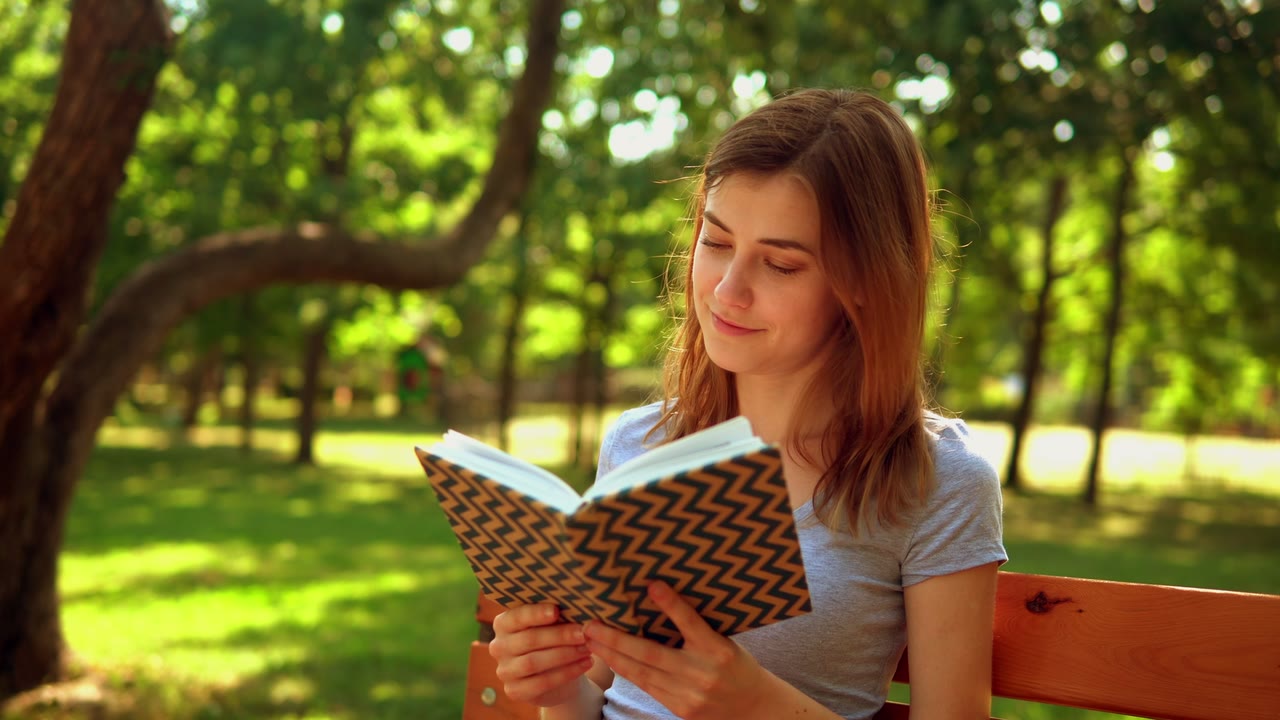
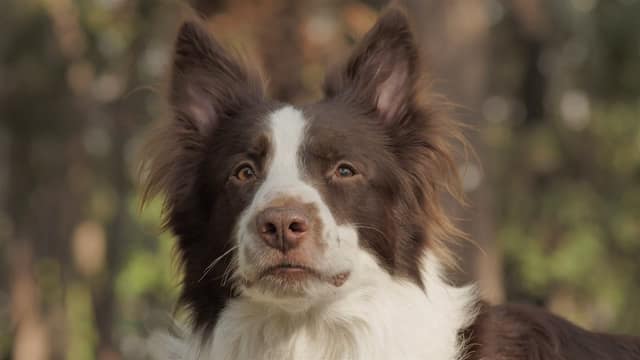
Slow push-in on her face, pages turning, leaves shifting in the background.
About Slow push-inWhich move for which photo
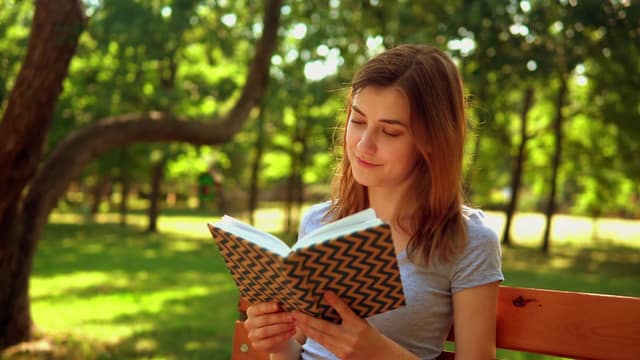 Face portraitSlow push-inThe middle 81% stays in view throughout, so eyes and mouth stay framed while the camera closes in.
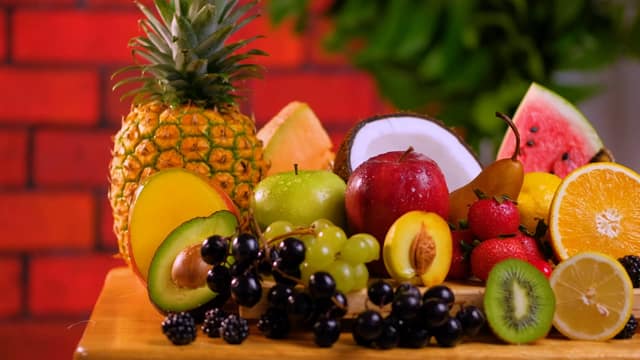 Product packshotSide slideThe camera travels along the product at a steady pace. Keep the label inside the middle 74%.
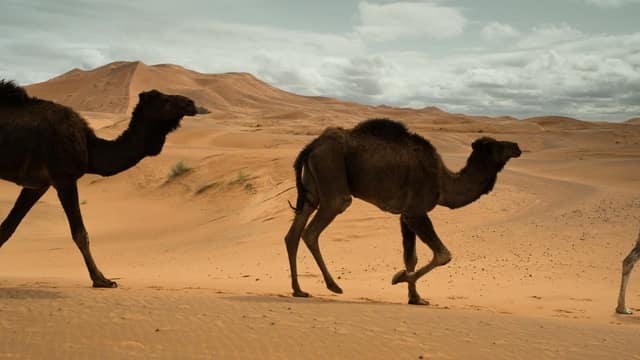 Wide landscapeParallax driftA slow diagonal drift gives the horizon depth. The middle 78% stays in view, so keep the focal point there.
 Group shotHandheldHandheld trims little, so the middle 92% holds the whole group in view while the frame breathes.
 Scanned old printReveal zoom-outIt opens at 128% and ends on the whole print, so edges and handwriting land back in view.
 Food close-upMacro slideA 16% slide across the dish at 120% to 126%. Keep the hero bite inside the middle 66%.
Questions
What does the preview show, and what will the render add?+
The preview plays the camera move on your own photo in your browser, instantly, so you see the crop and the timing. The render will add motion inside the frame: hair, leaves, steam and light.
Are these moves the same as Ken Burns zooms?+
Push-in, side slide and parallax drift are that family: a pan or zoom across a still. Handheld, wind and hair and golden haze add jitter, tilt or a rising frame, and the render will move things inside the photo. To set the direction, zoom, length and speed yourself, use the Ken Burns effect page.
Which move should I pick for my photo?+
Match the move to where the interest sits. A centred subject suits push-in, a wide scene suits slide or drift, and a group suits handheld, whose safe zone is 92%.
Guides for this page

Your next video is already a photo
Join the waitlist and be first to animate your own photos with imgmov.
Join the waitlistLeave your email. We write on launch day.