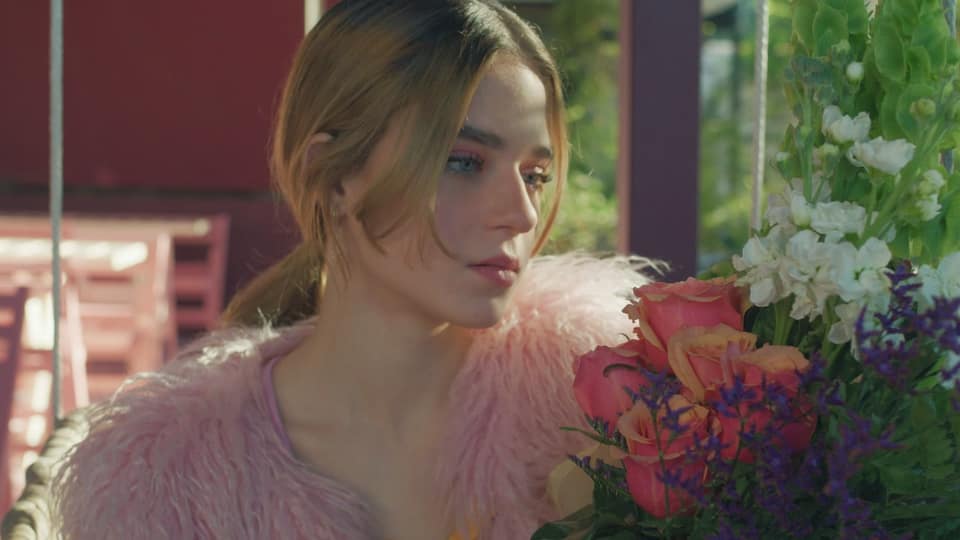
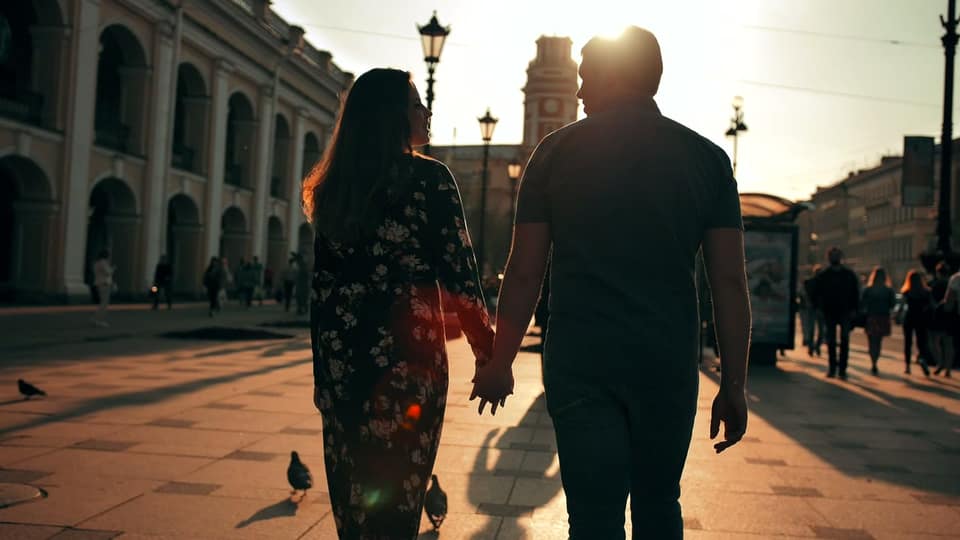
Handheld
The camera hovers at eye level, shouldering tiny corrections as the subject holds still and the frame breathes around it.
Use for Pet portraits, fashion lookbook frames, moody night scenes
Or try a stock frame
- Scale
- 106% to 107%
- Travel
- Jitter up to 0.6%
- Time
- 2.4 s loop
- Stays in view
- Middle 92%
From prompt to motion
“Handheld at eye level, the dog tilts its head, a soft breath of movement.”
The prompt asks
A handheld shot at eye level where the dog tilts its head and the frame carries a soft breath of movement.
The preview plays
Scales your photo from 106% to 107% and jitters it by up to 0.6% of the frame in a 2.4 second loop that keeps running.
The render will add
A tilting head and a soft breath of movement.
Pick the right photo
- Close subjects at eye level, such as pets, portraits and cafe tables, where a trembling frame reads as someone standing right there.
- Tight framing is fine: the middle 92% stays in view the whole loop, so faces and hands hold; keep captions off the outer 8%.
- Straight horizons and tall architecture, where a trembling frame reads as a tilt, and photos already soft with motion blur.

Another prompt for this move
Written to match the clip beside it. One tap copies it.
Morning coffee
Handheld“Steam curls up from the cup, coffee beans glint, a slow handheld push toward the rim.”
Questions
What does the preview show, and what will the render add?+
The preview shakes your own photo in your browser, 106% to 107% with up to 0.6% jitter, on a 2.4 second loop. The render will add the dog tilting its head and a soft breath of movement inside the frame.
Why does the handheld preview loop instead of playing once?+
Handheld is a shake, not a journey, so the 2.4 second jitter repeats with no closing frame. It also trims least: the middle 92% stays in view, against 81% for a push-in.